A kitchen screenthat keeps time
Every order from the floor, the counter and the phone lands on one screen, with its table, its notes and a timer. Your cooks tick dishes off; your servers see what's ready.
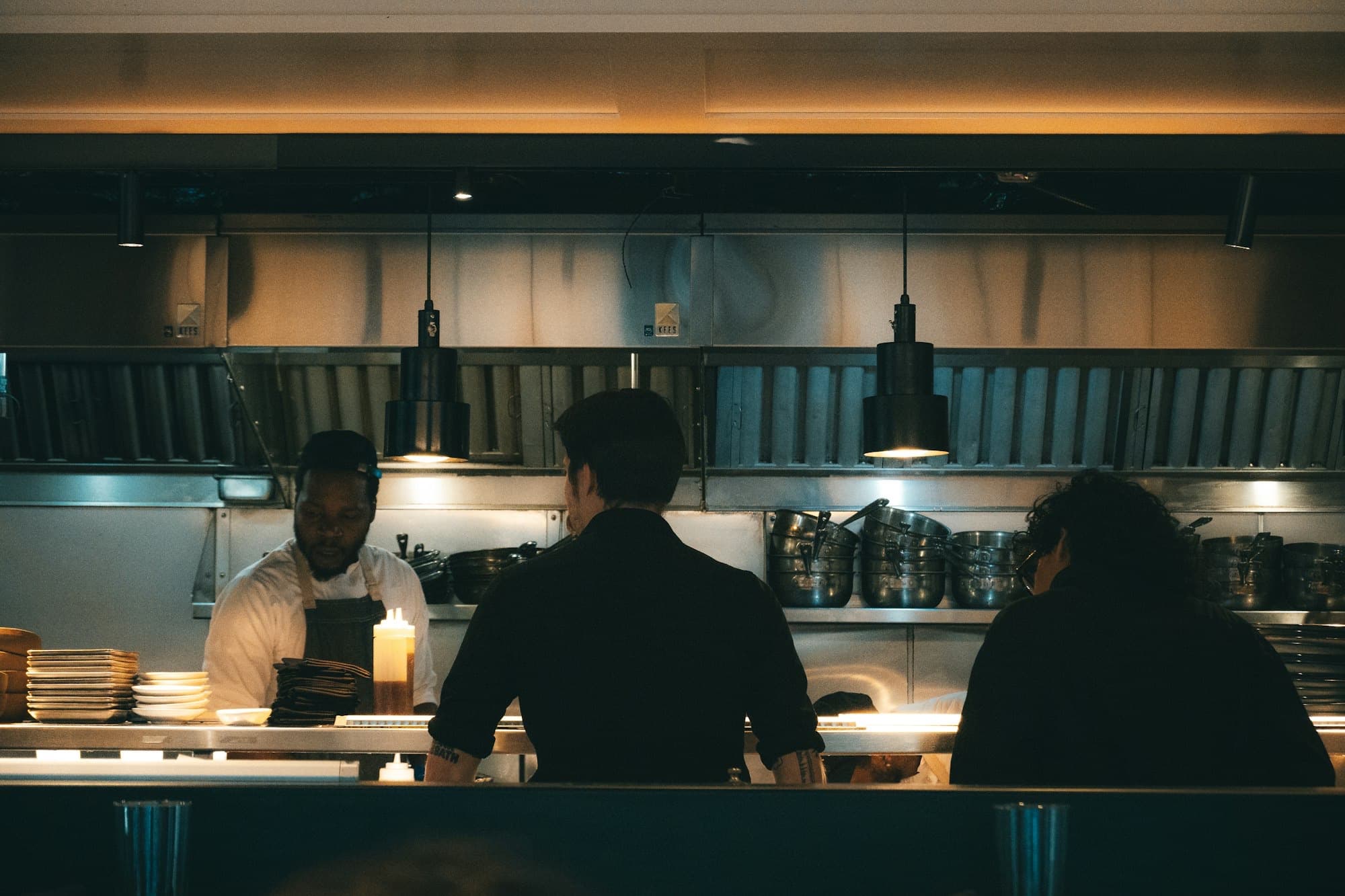
Main kitchen Momo House
New1
Table 11
#42
- 3 Steam momo
Start
Preparing1
Table 3
#41
- 2 Thakali set
- 1 Thukpa
“No coriander”
Ready0
- One queue
- POS, table QR and phone orders, side by side.
- A countdown on every ticket
- Built from each dish's prep time.
- Dish by dish
- Each dish is ticked off as it's done.
- A chime for every order
- Nobody has to keep an eye on the screen.
From the moment it landsto the table
One ticket's journey through the kitchen, played out on the screen beside it.
Every order lands here
A QR order from Table 7, then a takeaway from a phone call. Each arrives with a chime, its source and its notes.
Main kitchen Momo House
3 open7:42 PMNew2
Table 7
#42
Table QR12 min- 2 Jhol momo
- 1 Kothey momo
- 2 Masala chiya
“Extra achar”
Start
Takeaway
#43
Phone10 min- 2 Chicken chowmein
- 1 Mango lassi
Start
Preparing1
Table 3
#41
POS08:40- 2 Thakali set
- 1 Thukpa
“No coriander”
Ready0
Start it with one tap
The cook taps Start and the ticket moves to Preparing, with an estimate built from its dishes' prep times.
Main kitchen Momo House
3 open7:42 PMNew1
Takeaway
#43
Phone10 min- 2 Chicken chowmein
- 1 Mango lassi
Start
Preparing2
Table 3
#41
POS08:40- 2 Thakali set
- 1 Thukpa
“No coriander”
Table 7
#42
Table QR12:00- 2 Jhol momo
- 1 Kothey momo
- 2 Masala chiya
“Extra achar”
Ready0
Tick dishes off as they're done
Each dish has its own status. When the last one is ticked, the whole ticket moves to Ready.
Main kitchen Momo House
3 open7:42 PMNew1
Takeaway
#43
Phone10 min- 2 Chicken chowmein
- 1 Mango lassi
Start
Preparing1
Table 3
#41
POS08:40- 2 Thakali set
- 1 Thukpa
“No coriander”
Ready1
Table 7
#42
Table QR- 2 Jhol momo
- 1 Kothey momo
- 2 Masala chiya
Mark served
See what's running late
Each ticket counts down from its estimate. Once it runs over, it shows by how much, so it stands out before a guest has to ask.
Main kitchen Momo House
3 open7:42 PMNew1
Takeaway
#43
Phone10 min- 2 Chicken chowmein
- 1 Mango lassi
Start
Preparing1
Table 3
#41
POS00:04- 2 Thakali set
- 1 Thukpa
“No coriander”
Ready1
Table 7
#42
Table QR- 2 Jhol momo
- 1 Kothey momo
- 2 Masala chiya
Mark served
Mark it served
The server marks it served and it moves aside, staying on screen for as long as you choose.
Main kitchen Momo House
2 open7:42 PMNew1
Takeaway
#43
Phone10 min- 2 Chicken chowmein
- 1 Mango lassi
Start
Preparing1
Table 3
#41
POS+00:35- 2 Thakali set
- 1 Thukpa
“No coriander”
Ready0
Served1
Table 7
#42
#42 · served
Clears after 5 min
Main kitchen Momo House
New2
Table 7
#42
- 2 Jhol momo
- 1 Kothey momo
- 2 Masala chiya
“Extra achar”
Start
Takeaway
#43
- 2 Chicken chowmein
- 1 Mango lassi
Start
Preparing1
Table 3
#41
- 2 Thakali set
- 1 Thukpa
“No coriander”
Ready0
Three ways in,one queue
An order rung up at the counter, scanned at a table or taken over the phone all become the same kind of ticket. Send a few and watch the kitchen work through them.
Every one becomes a ticket, with where it came from on it.
Main kitchen Momo House
New1
Table 11
#42
- 3 Steam momo
Start
Preparing1
Table 3
#41
- 2 Thakali set
- 1 Thukpa
“No coriander”
Ready0
Set it up foryour kitchen
These are the kitchen screen's real settings. Change one and the screen beside it follows.
Kitchen sounds
Play a sound when orders arrive or change, so nobody has to watch the screen.
New order
The sound for a ticket that has just landed.
Order changed
A different sound when a dish is added or cancelled.
Volume
Loud enough for a busy line, quiet for a café.
Keep served orders on screen
Leave them up for a few minutes in case a guest asks.
Main kitchen Momo House
New1
Table 11
#42
- 3 Steam momo
Start
Preparing1
Table 3
#41
- 2 Thakali set
- 1 Thukpa
“No coriander”
Ready0
Served0
Clears after 5 min
On the wallbefore the next service
- 1
Open it on any screen
The kitchen screen runs in a web browser, so a tablet or a TV on the wall will do.
- 2
Give your dishes prep times
Set how long each dish takes once, and every ticket's estimate is worked out from them.
- 3
Pick your sounds
Choose the chime for new orders, how loud it plays and how long served orders stay up.

Jhol momo
Momo · Rs 320
Prep time
Used for every ticket's estimate
2 Jhol momo
Questions about Kitchen screen
Do we need special hardware in the kitchen?
No. The kitchen screen runs in a web browser, so any tablet or TV with a browser can show it. If your kitchen prefers paper, tickets can print to a kitchen printer too, with a copy for the waiter.
Will the kitchen hear new orders?
Yes. One sound plays when a new order arrives and another when an order changes. You pick each from four sounds and set the volume.
How does it know a dish is taking too long?
Each dish has a prep time you set. Once a ticket is started it counts down from that estimate, and shows the overtime if it runs over.
Can cooks mark single dishes as done?
Yes. Each dish on a ticket has its own status, so a table's starter can be ready while the mains are still cooking.
What happens to orders once they're served?
You decide whether served orders stay on screen, for up to 20 minutes, before they clear.
See it running in your own kitchen
We'll put your menu on a kitchen screen during a call and send a few orders through, so your head cook can see how it works.